
What You’ll Learn
- What Is Claude Dispatch?
- How Does Claude Dispatch Actually Work?
- What Does Claude Dispatch Mean for Nonprofits?
- What Limitations Should You Know About?
- Should You Try It?
- Frequently Asked Questions
- Next Steps
- Sources
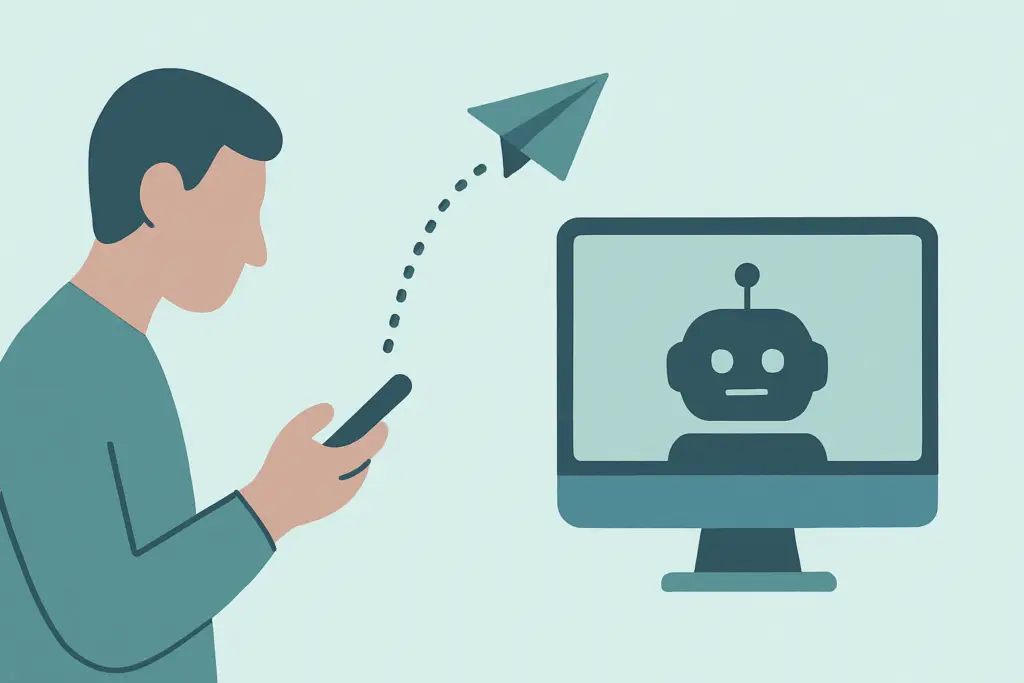
An operations director at a 50-person nonprofit is sitting in a board meeting when she realizes she forgot to pull the quarterly program data. She opens her phone, sends a quick text to Claude, and by the time the meeting ends, the compiled report is waiting on her desktop. That’s Claude Dispatch.
We want to be upfront: this is not a polished, production-ready tool. Anthropic launched Dispatch on March 17, 2026 as a research preview inside Claude Cowork. It breaks on complex tasks about half the time. But it represents something meaningful for how we work with AI. We’re moving past “ask a question, get an answer” and into “give it a job, let it handle it.”
For nonprofits and small businesses running lean teams, that shift matters. Even in its early form, Dispatch hints at a future where your AI assistant doesn’t just think for you. It works for you.
What Is Claude Dispatch?
Claude Dispatch is a feature inside Claude Cowork that creates a persistent link between your phone and your desktop computer. It turns the Claude mobile app into a remote control for your desktop Cowork session. You text a task from your phone, and Claude executes it on your computer while you’re away.
This is different from regular Claude chat. With standard Claude, you ask questions and get answers. You have a conversation. Dispatch flips that model. You’re not chatting. You’re assigning work.
Setup takes under two minutes. Download Claude Desktop, open Cowork, click the Dispatch button, and scan the QR code with your phone. That’s it. Your phone and desktop are paired, and you can start sending tasks from anywhere.
How Does Claude Dispatch Actually Work?
The Fallback Ladder
This is the part worth understanding most. When you send a task, Claude doesn’t just blindly start clicking around your screen. It uses what Anthropic calls a “fallback ladder” to find the most reliable way to complete your request.
First, it tries connectors, direct integrations with apps like Slack, Google Calendar, and other tools that have APIs. These are the most reliable because Claude is talking directly to the app, not guessing where to click.
If there’s no connector available, it moves to browser control. Claude opens a browser, logs into the web app, and interacts with it the way you would. Less reliable than a connector, but still structured.
If browser control won’t work either, it falls back to full screen, mouse, and keyboard control. Claude literally looks at your screen and operates your computer like a person would. This is the least reliable method, but it means Dispatch can theoretically work with any app on your machine.
Scheduled and Recurring Tasks
You can tell Dispatch to run tasks on a schedule. “Every Friday at 3pm, compile the weekly program report from these three spreadsheets.” It remembers the instruction and executes it each week without you needing to ask again.
For nonprofit operations teams drowning in repetitive reporting, this alone could save hours each month. We’ve seen teams spend entire Friday afternoons on weekly summaries that follow the exact same pattern every time.
Memory Across Sessions
Dispatch remembers context from previous sessions. It learns your file structures, your preferences, which folders you save reports to, how you like data formatted. Over time, it gets better at completing tasks the way you want them done.
Multiple Simultaneous Tasks
You can spawn multiple Cowork task sessions from a single phone conversation. Ask Claude to update the donor spreadsheet while also pulling last month’s expense report while also formatting the board deck. It runs them in parallel.
Comparison: Regular Claude vs. Dispatch
| Feature | Regular Claude Chat | Claude Dispatch |
|---|---|---|
| Responds to questions | Yes | Yes |
| Controls your desktop | No | Yes |
| Runs while you’re away | No | Yes |
| Scheduled recurring tasks | No | Yes |
| Remembers past sessions | Limited | Yes |
| Requires computer to be on | N/A | Yes |
What Does Claude Dispatch Mean for Nonprofits?
Here is where this could actually help nonprofit teams. These aren’t hypotheticals. They’re based on the kinds of tasks we see small organizations struggle with every week.
Weekly grant reporting. Many grants require weekly or monthly progress reports pulled from multiple data sources. Dispatch could compile program metrics from spreadsheets, format them into a standard template, and save the report to your shared drive on a recurring schedule.
Expense logging in desktop-only accounting software. If your org uses QuickBooks Desktop or another app without a good mobile interface, you can text expense details from the field and have Dispatch enter them into the software on your office computer.
Pulling donor analytics for board presentations. Before a board meeting, Dispatch could pull data from your CRM, create summary charts, and drop them into a presentation template. That’s a task that usually takes someone two to three hours of copy-paste work.
Monitoring compliance dashboards. Set Dispatch to check your compliance tracking tools at regular intervals and flag anything that needs attention. It can send you a summary instead of making you log in and check manually.
Compiling program data across multiple spreadsheets. This is the big one. If your programs track data in separate spreadsheets (and let’s be honest, they do), Dispatch can pull the numbers together into a single summary on a schedule.
That said, we want to be direct: most nonprofits should not rush to adopt this. The ~50% success rate on complex multi-app tasks means it’s not reliable enough for mission-critical work yet. Experiment with low-stakes tasks. Don’t hand it your annual report.
What Limitations Should You Know About?
Dispatch is a research preview, and Anthropic is being transparent about what that means. Here are the limitations you should understand before you invest time in it.
Success rates are mixed. Anthropic reports roughly 50% success on complex tasks that span multiple applications. Simple, single-app tasks work much better. But if you’re asking it to pull data from a spreadsheet, format it, and paste it into a presentation, expect it to stumble about half the time.
Your computer must stay on. This is remote control, not cloud computing. If your laptop goes to sleep or gets closed, Dispatch stops working. For organizations using shared desktop workstations, this is manageable. For staff on laptops, it’s a real constraint.
macOS only right now. Windows and Linux support hasn’t been announced. If your team runs Windows machines, this isn’t an option yet.
The price is steep for small orgs. As of 2026, Claude Max, which has full Dispatch access, costs $100 to $200 per month. That’s not in most nonprofit software budgets. The Claude Pro plan at $20/month is more reasonable, but Dispatch access is still rolling out to Pro users.
No compliance guarantees. There are no HIPAA or SOC 2 compliance certifications for Dispatch in its current form. If you handle protected health information, sensitive donor data, or anything with regulatory requirements, do not use Dispatch for those tasks.
No undo button. If Dispatch makes a mistake on your desktop, like overwriting a file or sending a message, there’s no automatic way to reverse it. You’ll need to fix the error manually. This is why starting with low-stakes tasks matters.
Should You Try It?
Here’s an honest breakdown based on where your organization stands today.
If you’re already on Claude Max ($100-200/month): Yes, experiment. Pick two or three low-stakes recurring tasks and see how Dispatch handles them. Weekly data compilation, formatting reports, updating spreadsheets. Don’t trust it with anything you can’t easily redo if it fails.
If you’re on Claude Pro ($20/month): Wait for the Dispatch rollout to reach Pro users, then start with simple tasks. At $20/month, it’s a reasonable experiment line item even for smaller organizations.
If you’re budget-constrained: Not yet. The technology is promising but not proven. Wait until success rates improve and pricing becomes clearer. We recommend revisiting this in 6 months.
For any work involving sensitive data: Do not use Dispatch until Anthropic provides explicit compliance guarantees. Donor records, health data, financial information, all of it should stay off Dispatch for now. This is non-negotiable. At Scottship Solutions, we always advise clients to wait for compliance certification before trusting AI tools with protected data.
A Note on Alternatives
OpenClaw is the main open-source competitor worth watching. It supports WhatsApp and Signal (not just a proprietary app), runs on any LLM, and gives you full control over your data. If you have technical staff or an IT partner who can set it up, it’s worth evaluating alongside Dispatch.
Frequently Asked Questions
What is Claude Dispatch?
Claude Dispatch is a feature inside Anthropic’s Claude Cowork that lets you send tasks from your phone and have Claude complete them on your desktop computer. It uses direct integrations, browser control, and screen control to operate your apps autonomously.
How much does Claude Dispatch cost?
Claude Dispatch is available now on Claude Max plans, which cost $100 to $200 per month. It’s rolling out to Claude Pro users at $20 per month. There is no free tier.
Can Claude Dispatch work when my computer is off?
No. Dispatch requires your desktop computer to be powered on and awake. It’s remote control software, not cloud computing. If your machine sleeps or shuts down, Dispatch stops.
Is Claude Dispatch safe for nonprofit donor data?
Not yet. Dispatch is in research preview and does not carry HIPAA, SOC 2, or other compliance certifications. Until Anthropic provides explicit guarantees, keep sensitive donor data, health records, and financial information away from Dispatch. Scottship Solutions advises nonprofits to wait for compliance certification before trusting any AI tool with protected data.
What’s the difference between Claude Dispatch and regular Claude?
Regular Claude is a conversational AI that answers questions and generates text within a chat window. Claude Dispatch goes further by controlling your desktop, running tasks while you’re away, executing on a schedule, and remembering your workflow preferences across sessions.
Your Next Steps
- Evaluate whether your team already uses Claude Pro or Max
- Identify 2-3 low-stakes recurring tasks to test (weekly reports, data formatting, file organization)
- Download Claude Desktop and pair it with your phone via QR code
- Start with simple, single-app tasks before trusting complex multi-app workflows
- Talk to your IT partner about data security implications before expanding usage
Need help evaluating AI tools for your nonprofit? At Scottship Solutions, we help nonprofits evaluate and implement AI tools that actually fit their operations. From AI automation strategy to full IT consulting, our team separates the hype from the practical. Contact us to discuss where AI agents fit in your organization.
Sources
- Anthropic: Claude Cowork
- CNBC: Anthropic launches Claude Dispatch AI agent
- Claude Help Center: Getting Started with Dispatch
- Product Compass: A Practical Guide to Claude Dispatch
Looking for more? Explore our AI and automation for nonprofits hub for guides, case studies, and service details.

Written by
Isabela Guimaraes
AI Consultant at Scottship Solutions
Isabela helps nonprofits and small businesses implement practical AI and automation solutions. She translates emerging AI capabilities into workflows that save time and expand mission impact.
Certifications
AWS Certified AI Practitioner • AWS Certified Cloud Practitioner • Google Cloud Generative AI Leader
Industries Served
Human Services, Healthcare & Community Health, Education & Youth Development, Child Advocacy