Cybersecurity Guide for Nonprofits: Protect Your Data, Donors, and Mission
Essential cybersecurity guide for nonprofits. Learn how to protect donor data from phishing, ransomware, and breaches on a nonprofit budget.

Essential cybersecurity guide for nonprofits. Learn how to protect donor data from phishing, ransomware, and breaches on a nonprofit budget.
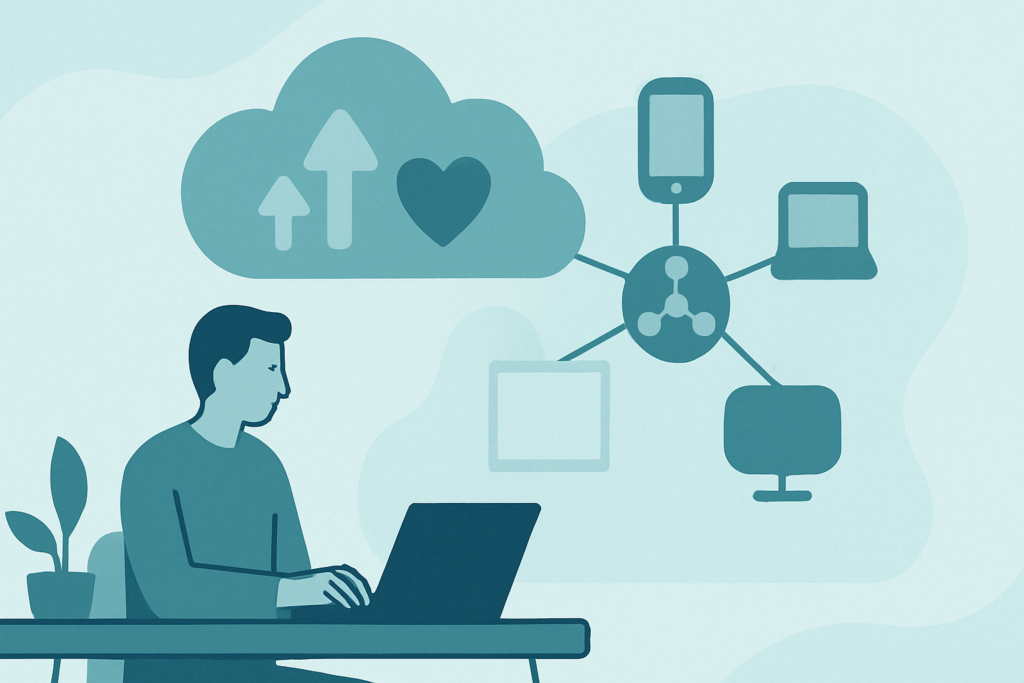
TL;DR: Scottship Solutions breaks down Cloud tools let nonprofits cut IT costs by 20-30%, support remote teams, and protect donor data without maintaining on-site servers. Start with productivity suites and CRM, then migrate heavier workloads. Most orgs see ROI within six months of a phased cloud migration. Cloud Technology Applications:
TL;DR: Scottship Solutions breaks down AWS offers 200+ cloud services, but most organizations only need a handful: EC2 for compute, S3 for storage, RDS for databases, and Lambda for automation. Start with the free tier to test workloads before committing. Nonprofits and small businesses can get AWS credits through the

TL;DR: Scottship Solutions breaks down Cloud servers replace physical hardware with virtual machines you can scale up or down on demand. You pay only for what you use instead of buying servers that sit idle 80% of the time. For most organizations, cloud servers improve uptime to 99.9%+, eliminate hardware
TL;DR: Scottship Solutions breaks down Cloud applications run in the browser instead of on local machines, which means automatic updates, anywhere access, and no server maintenance. SaaS covers most use cases; PaaS makes sense only if you build custom software. Evaluate cloud apps by integration capabilities, security certifications, and total

TL;DR: Scottship Solutions breaks down Managed platforms (PaaS) handle your infrastructure so your team can focus on building software. They offer auto-scaling, built-in security, faster deployments, and typically cut total infrastructure costs by 20-40% compared to self-hosting. Best for organizations that want speed and reliability without hiring dedicated ops staff.
TL;DR: Scottship Solutions breaks down IT cloud services break down into three categories: IaaS (virtual servers), PaaS (development platforms), and SaaS (ready-to-use software). Most nonprofits should start with SaaS tools like Microsoft 365 and Salesforce, then add IaaS or PaaS only if you have custom application needs. Cloud migration cuts

TL;DR: Scottship Solutions breaks down Cloud computing lets you use servers, storage, and software over the internet instead of owning hardware. The three main models are IaaS (raw infrastructure), PaaS (development platforms), and SaaS (ready-to-use apps). Most organizations benefit from a hybrid or multi-cloud approach that balances cost, security, and
TL;DR: Scottship Solutions breaks down Cloud managed services let you hand off cloud infrastructure management to a specialized provider so your team can focus on the work that matters. This guide breaks down what these services include, the real cost savings and security benefits, common pitfalls to avoid, and how
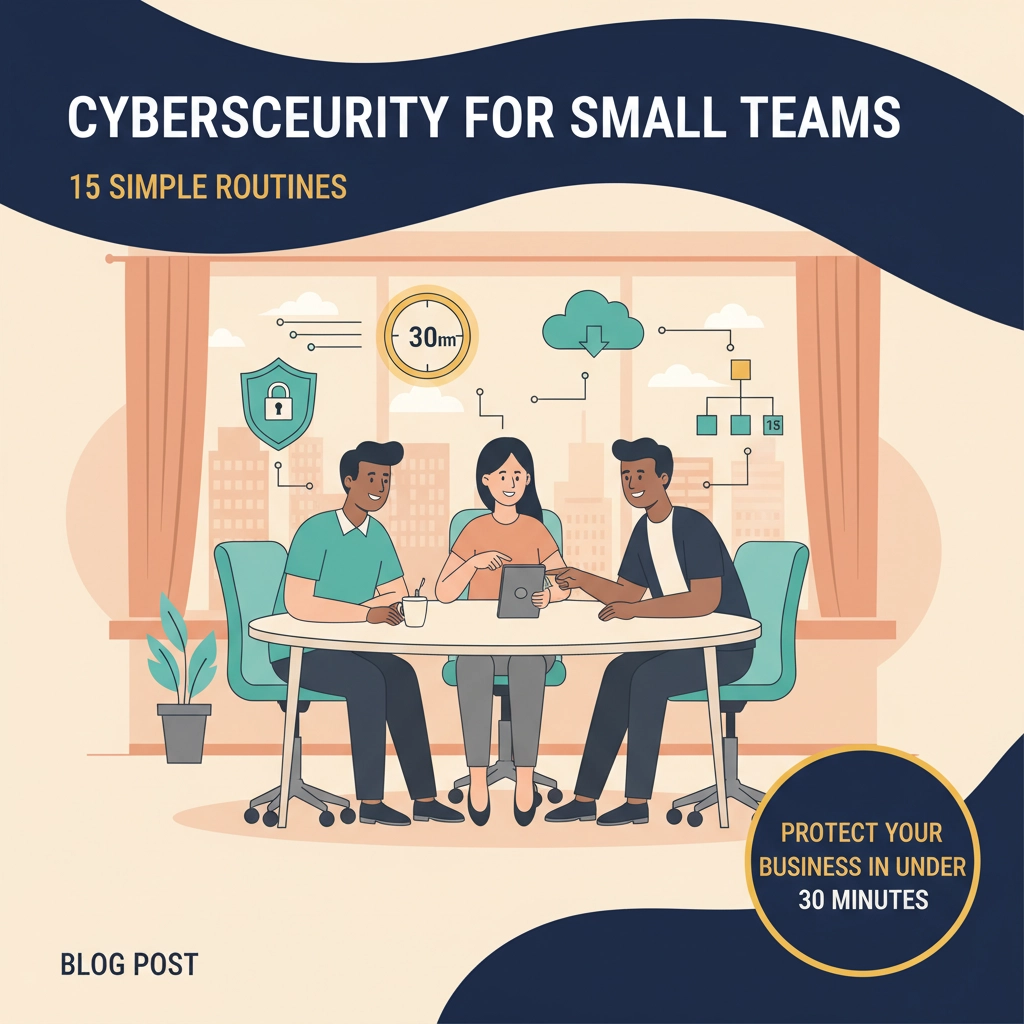
TL;DR: Scottship Solutions breaks down You do not need a full security team to protect your organization. These 15 cybersecurity routines each take 30 minutes or less and cover the basics that stop most attacks: strong passwords, MFA, patching, backups, phishing awareness, and endpoint protection. Small teams can build real