
TL;DR: Nonprofit IT services cover support, cybersecurity, cloud, data, and technology planning sized to mission budgets. The right mix protects donor data, prevents downtime, and uses the free and discounted programs vendors reserve for nonprofits. Scottship Solutions helps nonprofits choose and run these services, and this guide covers what to buy, where the discounts are, how to pick a provider, and how to prove the return.
Last updated September 2026. Written by Will Facques, Senior IT Consultant at Scottship Solutions (PMP, CompTIA Network+), who works with nonprofit clients on infrastructure and technology implementations.
This September 2026 update folds our earlier guide to IT for nonprofits into this one, so the productivity, CRM, cloud, security, and grant guidance now lives on a single page. Nonprofit IT services work best when they are planned as one system rather than bought tool by tool, and our IT services program for nonprofits is built around that idea. If you are earlier in the process, our overview of digital transformation for nonprofits explains where to start.
- Key Takeaways
- How Do Nonprofits Empower Their Missions with Technology?
- What IT Solutions Do Nonprofit Organizations Actually Need?
- How Should Nonprofits Approach Cloud Infrastructure and Data Management?
- How Can Nonprofits Strengthen Cybersecurity and Data Protection?
- What Support Services Do Nonprofits Need?
- Managed IT Services or an In-House IT Team: Which Is Right for a Nonprofit?
- What Marketing and Outreach Strategies Work for Nonprofits?
- How Does Custom Training Build Nonprofit Capacity?
- How Do You Roll Out New Technology Without Disrupting Programs?
- How Can Nonprofits Access Affordable Tools and Services?
- How Do You Measure the Return on an IT Investment?
- What Do Real-World Nonprofit Success Stories Show?
- Summary
Key Takeaways
- Cloud platforms, CRM systems, and automation give nonprofits better data and fewer manual tasks, and most have a nonprofit price.
- Eligible nonprofits can get Microsoft 365 Business Basic free for up to 300 users, 10 donated Salesforce licenses, $2,000 a year in Azure credits, and up to $10,000 a month in Google search ads.
- Multi-factor authentication is the cheapest security improvement most organizations can make, and email is where most attacks start.
- Choose an IT provider on nonprofit track record, transparent pricing, and grant experience, then measure the return against a baseline.
How Do Nonprofits Empower Their Missions with Technology?
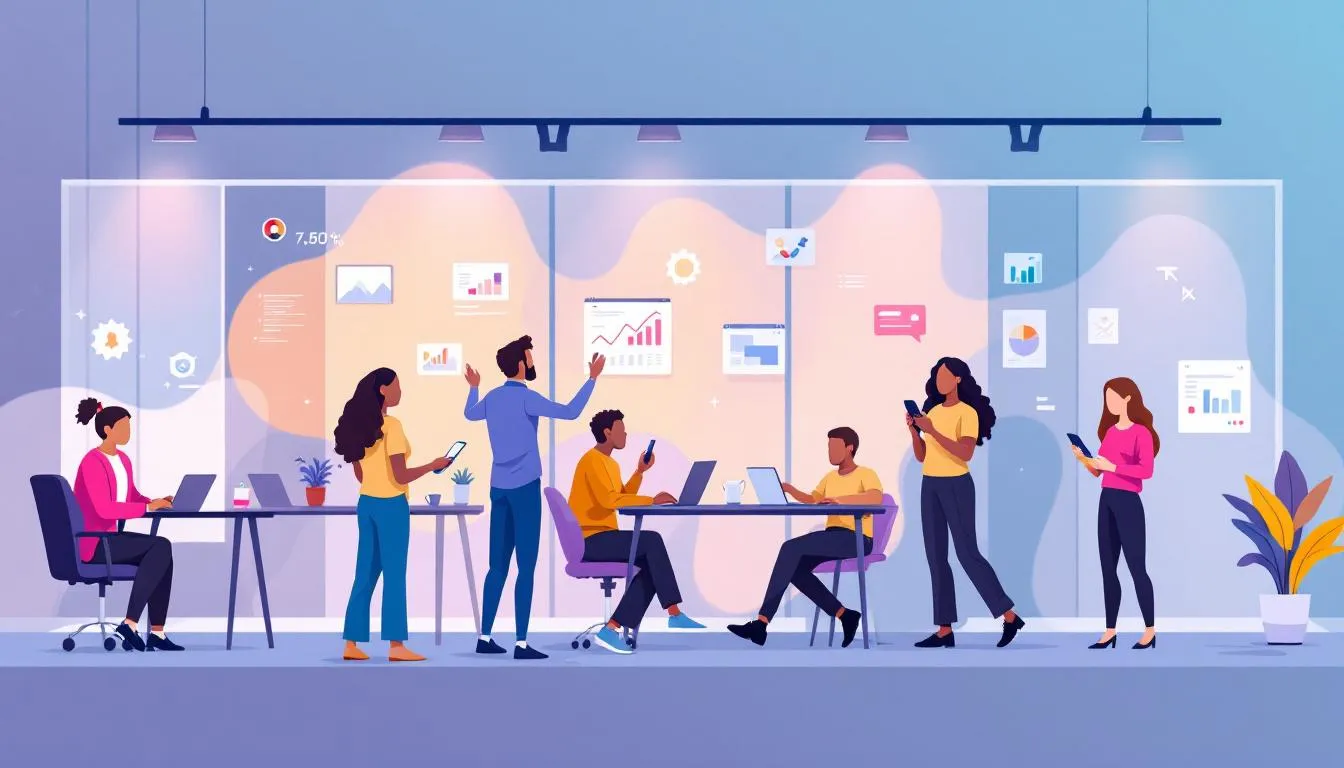
Nonprofits rely on technology for communication, fundraising, program delivery, and reporting to funders. Cloud solutions, CRM systems, and AI tools improve data management and remove manual steps, which gives staff more time for direct service.
Technology also supports distributed teams. Staff and volunteers working from several locations need the same access to files, systems, and each other, and that flexibility helps organizations hire beyond their own zip code.
Funders raise the stakes further. Many grants now require digital reporting and submission, and data that shows program outcomes makes the case for renewed and expanded support.
Cloud Solutions for Nonprofits
Cloud services give teams access to data from any location and make collaboration easier. They also replace server hardware that ages quickly with subscriptions that scale up or down as the organization changes.
CRM Systems to Enhance Donor Management
CRM software manages relationships and interactions with donors. A CRM centralizes donor data in one place, which gives staff a complete view of each supporter and makes reporting on fundraising activity far simpler.
AI and Automation for Greater Impact
AI and automation tools take routine work such as data entry, certifications, and follow up reminders off staff plates. The time they return goes back into programs and relationships.
What IT Solutions Do Nonprofit Organizations Actually Need?
Most nonprofits need four layers: a productivity suite, a CRM, financial software, and the security and support that hold them together. The goal is a small set of cloud platforms that connect to each other, not a pile of disconnected tools.
Every system should have a clear purpose tied to the mission, whether that is managing donor relationships, streamlining finance, or improving program delivery. Scalable subscriptions beat hardware purchases because they grow with the organization and its budget.
Productivity and Collaboration Software
The productivity suite is the backbone of daily operations. As of September 2026, Microsoft offers Microsoft 365 Business Basic as a free grant for up to 300 users at eligible nonprofits, and Business Premium at a nonprofit discount of about 75 percent for organizations that need its stronger security features. Microsoft retired the free Business Premium grant in 2025, so older guides that list it as free are out of date.
Google Workspace for Nonprofits is the main alternative, with Gmail, Drive, and shared documents built for teams that work from many locations. Organizations already invested in Microsoft usually stay there, while teams that want a simpler interface often prefer Google.
Customer Relationship Management (CRM) Systems
Through its Power of Us Program, Salesforce donates 10 Enterprise Edition licenses to eligible nonprofits and discounts additional licenses. HubSpot offers a free CRM tier that suits smaller organizations getting started.
Blackbaud Raiser’s Edge NXT is built specifically for fundraising and donor management. It costs more than general purpose CRMs but fits organizations where donor development drives sustainability.
Whatever the platform, the best CRM setups connect to email marketing, accounting, and grant management systems. That connection cuts manual entry and keeps data consistent across the organization.
Financial Management and Accounting Software
Nonprofit finance carries compliance requirements and funder expectations that for-profit accounting does not. Nonprofit accounting software such as QuickBooks supports fund tracking for smaller organizations, while Sage Intacct handles multiple funding sources, restricted funds, and detailed funder reporting for larger ones.
Look for integration with payroll and expense management, plus built in reports for boards and funders. Those features save hours every reporting cycle and keep financial communication consistent.
How Should Nonprofits Approach Cloud Infrastructure and Data Management?

Cloud migration lets staff and volunteers reach critical information from any device, which supports flexible work. Our guide to moving a nonprofit to the cloud covers the planning steps in detail.
Microsoft gives eligible nonprofits $2,000 a year in Azure credits for hosting, storage, and analytics, and unused credits do not roll over. Amazon Web Services and Google Cloud also run nonprofit credit programs, and pay as you go pricing means organizations pay only for what they use.
Backup and disaster recovery belongs in every cloud plan. Automated backups protect files, databases, and configurations so the organization can recover from hardware failure, natural disaster, or a security incident.
Data Analytics and Reporting Tools
Measuring and showing impact is now central to nonprofit funding. Power BI for nonprofits and Tableau both offer nonprofit pricing for dashboards that combine program, donor, and operational data.
Google Analytics shows how supporters use the website, which helps tune fundraising campaigns. The strongest analytics setups track a few metrics tied to the mission rather than everything available.
How Can Nonprofits Strengthen Cybersecurity and Data Protection?

Attackers target nonprofits because they hold donor and client data and often have thinner defenses than businesses. A breach costs more than money, because donors who trusted the organization with personal and financial details may not give again. Our nonprofit cybersecurity guide goes deeper on each control below.
Multi-factor authentication on every system and account is the most cost effective improvement most organizations can make. It blocks most unauthorized access even when a password is stolen through phishing or leaked in another company’s breach.
Regular security training for staff and volunteers matters as much as any tool, since many attacks exploit people rather than software. Endpoint protection on every laptop, tablet, and phone extends security to each device that touches organizational data.
Organizations that handle health or European personal data also carry HIPAA or GDPR obligations. Compliance failures bring fines and legal costs that pull attention away from the mission.
Email Security and Phishing Prevention
Email is the most common entry point for attacks on nonprofits. Microsoft Defender for Office 365, included with Business Premium, adds phishing and malicious attachment detection beyond basic spam filtering.
Phishing simulations show where staff need more training before a real attack arrives. Email encryption protects sensitive messages with donors and clients, and a written incident response plan means the team knows what to do in the first hour of a suspected breach.
What Support Services Do Nonprofits Need?
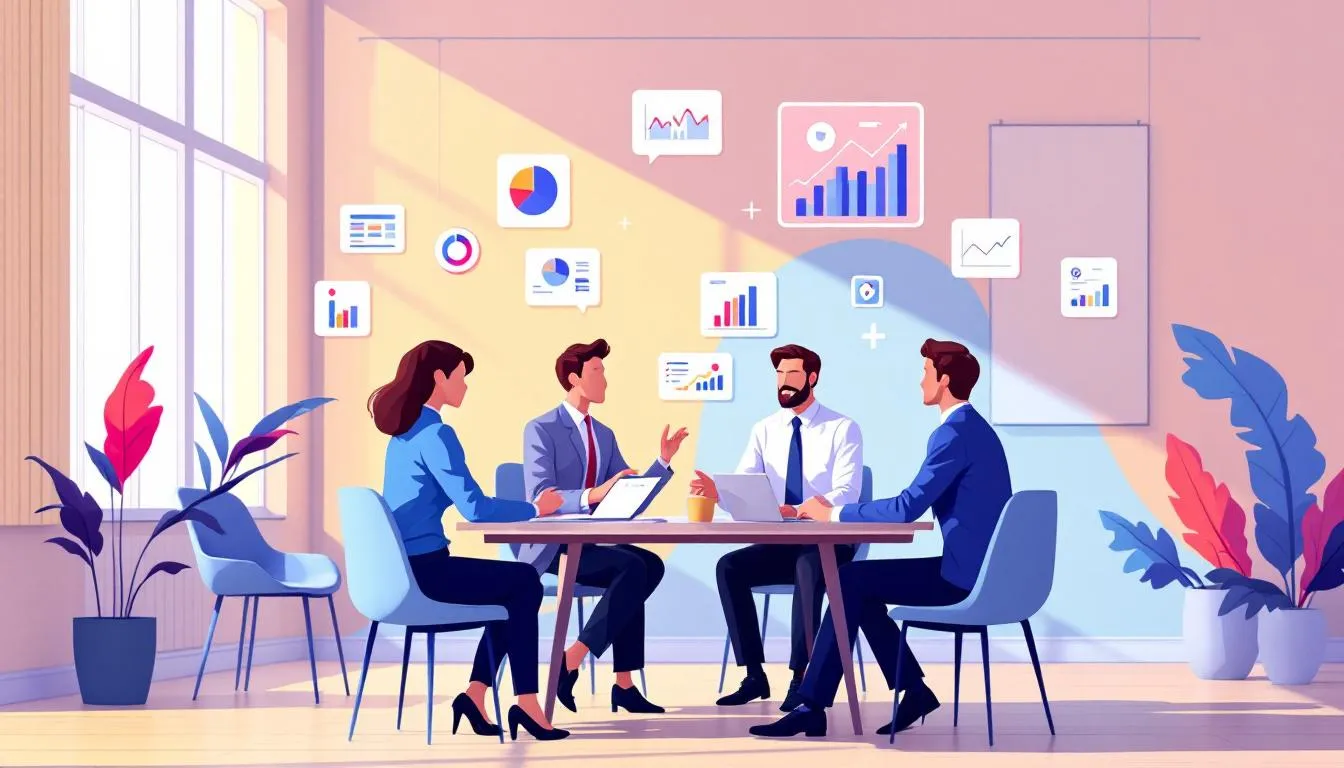
Nonprofits need support services that let them focus on their core mission. Administrative services, consulting, and outside support for accounting and HR fill gaps across financial management, IT, and people operations.
Financial Management and Compliance
Nonprofits often need specialized help with grant compliance to ensure proper reporting and responsible use of funds. Following IRS rules and Generally Accepted Accounting Principles builds trust with donors and board members.
IT Support and Security
Efficient IT support keeps operations running and protects sensitive data. Key benefits include:
- Help desk services provide immediate technical assistance and staff training.
- IT support troubleshoots issues, secures data, and maintains infrastructure.
- Planned support keeps outages from interrupting services to the community.
Human Resources and Talent Management
Human resources and talent management help nonprofits recruit and keep skilled staff and volunteers. Compliance support ensures the organization meets state and federal employment law.
Managed IT Services or an In-House IT Team: Which Is Right for a Nonprofit?

Choosing between outside IT support and an in-house team is one of the largest technology decisions a nonprofit makes. The full comparison has to count salaries, benefits, training, and equipment, not just the monthly fee.
An outside provider brings around the clock monitoring and specialists in security, cloud, and compliance that a small internal team cannot staff. A fixed monthly fee also turns variable IT costs into a predictable line item, which simplifies budgets and grant applications. Many nonprofits pair that support with strategic guidance from a fractional CIO who owns the technology plan.
Choosing the Right IT Service Provider
Nonprofit track record comes first, because the sector’s budgets, funding rules, and mission focus differ from for-profit clients. Transparent pricing without hidden fees or long lock-in contracts keeps the organization in control of its budget.
Experience with technology grants adds value beyond technical support, since a provider who knows the programs can help find and win funding. Certifications in Microsoft, AWS, and security frameworks show current knowledge.
References from nonprofits of similar size give the most honest picture of service quality and fit. Ask peers what went wrong as well as what went right.
What Marketing and Outreach Strategies Work for Nonprofits?

Marketing helps nonprofits raise visibility, recruit volunteers, and draw donations. Storytelling strengthens donor engagement and retention.
Digital Marketing Solutions
Search engine optimization (SEO) helps nonprofits attract supporters through organic search. Pairing SEO with social media extends reach and builds relationships with supporters in real time.
Brand Identity Development
A distinct brand identity conveys the mission and values to stakeholders. A consistent brand builds trust and recognition among donors and volunteers.
Community Engagement and Events
Community events build relationships with donors and volunteers and raise awareness of the mission. Local events strengthen the connections that drive ongoing support.
How Does Custom Training Build Nonprofit Capacity?
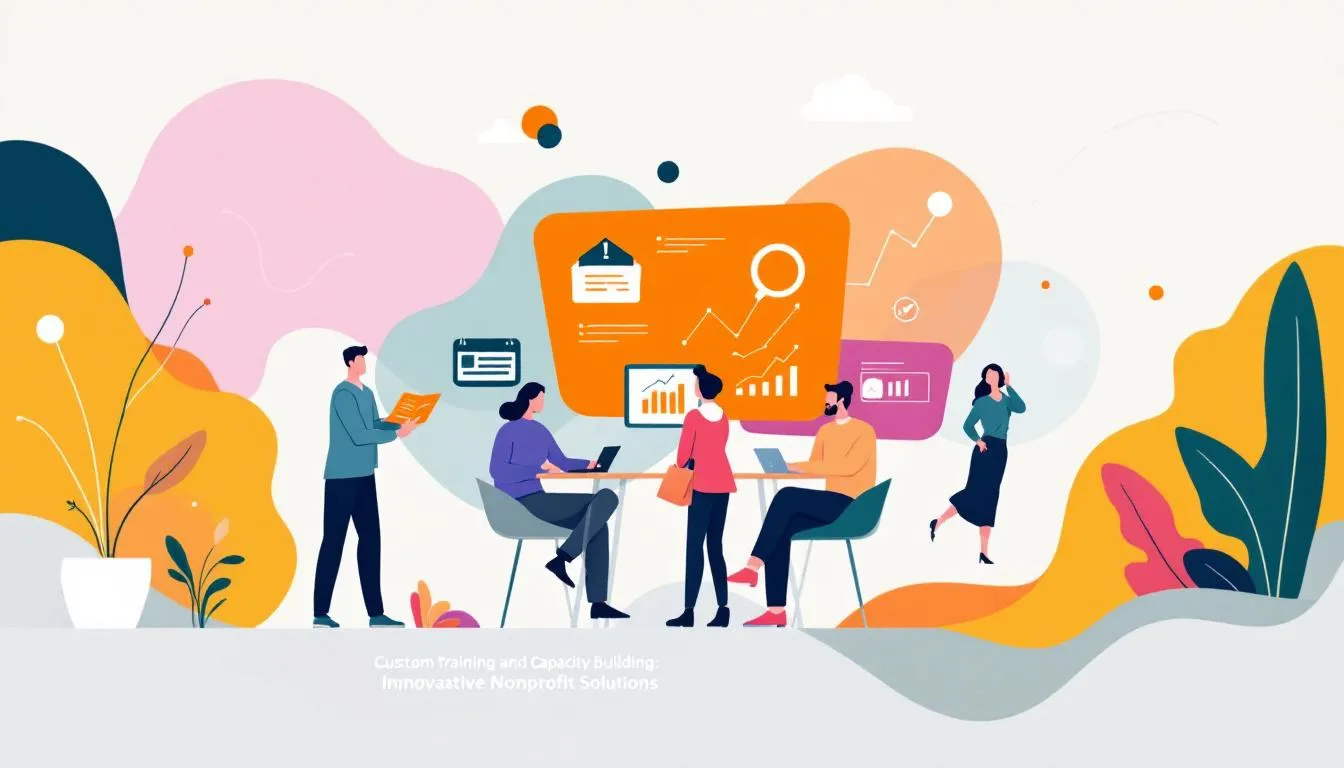
Custom training builds the capacity nonprofits need to reach their goals. Useful programs share a few traits:
- One-day and multi-session options
- Designed for entire teams
- Focused on relevant, affordable topics
- Available virtually and in person
Leadership and Management Training
Leadership programs blend theory with practice and improve decision making in nonprofit roles. Strong leaders move the mission forward with confidence.
Technical Skills Workshops
Technical workshops teach the software tools staff use every day. Better technical skills mean better tracking, management, and use of the systems the organization already pays for.
Volunteer Training Programs
Targeted training prepares volunteers for their roles and improves engagement and program results. Feedback loops and mentorship help volunteers stay longer.
How Do You Roll Out New Technology Without Disrupting Programs?
A phased rollout lets the organization learn from early users and adjust before full deployment. Training has to reach every skill level, with more than one format and support that continues after launch.
Data migration planning protects the historical records and donor information that relationships and compliance depend on. Integration testing with real workflows confirms new systems work with existing software instead of creating new data silos.
Plan to monitor and adjust for the first 90 days after launch. Problems caught in that window are far easier to fix than ones that have become habits.
How Can Nonprofits Access Affordable Tools and Services?
Grants, discounts, and partner programs let nonprofits buy the tools they need at a fraction of list price. The programs below are the ones most organizations should check first.
| Program | What eligible nonprofits get (as of September 2026) |
|---|---|
| Microsoft 365 Business Basic grant | Free for up to 300 users |
| Microsoft 365 Business Premium | Nonprofit discount of about 75 percent (the free grant was retired in 2025) |
| Microsoft Azure grant | $2,000 in Azure credits per year, no rollover |
| Salesforce Power of Us | 10 donated Enterprise Edition licenses, discounts on more |
| Google Ad Grants | Up to $10,000 per month in search advertising |
| TechSoup | Discounted software and hardware from partner vendors |
Grants and Funding Opportunities
Foundations, corporate programs, and government agencies fund technology for nonprofits. Foundation grants aimed at technology infrastructure can pay for upgrades that operating revenue never could.
Google Ad Grants can expand digital reach without touching the marketing budget. TechSoup connects nonprofits with enterprise software at nonprofit prices through its vendor partnerships.
Grant Application Process and Requirements
Applications start with proof of nonprofit status and good governance. Funders then want a technology needs assessment that names current gaps and how the investment closes them.
Budgets must include implementation, training, and ongoing maintenance, because underestimating those costs is a common reason projects fail. A realistic timeline for deployment and staff adoption shows the organization can manage the project.
The strongest applications tie the technology to better service delivery and a measurable impact plan. Technical specifications alone rarely win.
Discounted Software and Technology
Beyond the programs in the table, many vendors discount their software for eligible nonprofits. Always ask for nonprofit pricing before signing a contract.
Partner Programs and Collaborations
Partnerships between nonprofits and technology companies extend what a small team can do. Vendor partners and consultants help nonprofits adopt new tools and get full value from the licenses they already hold.
How Do You Measure the Return on an IT Investment?
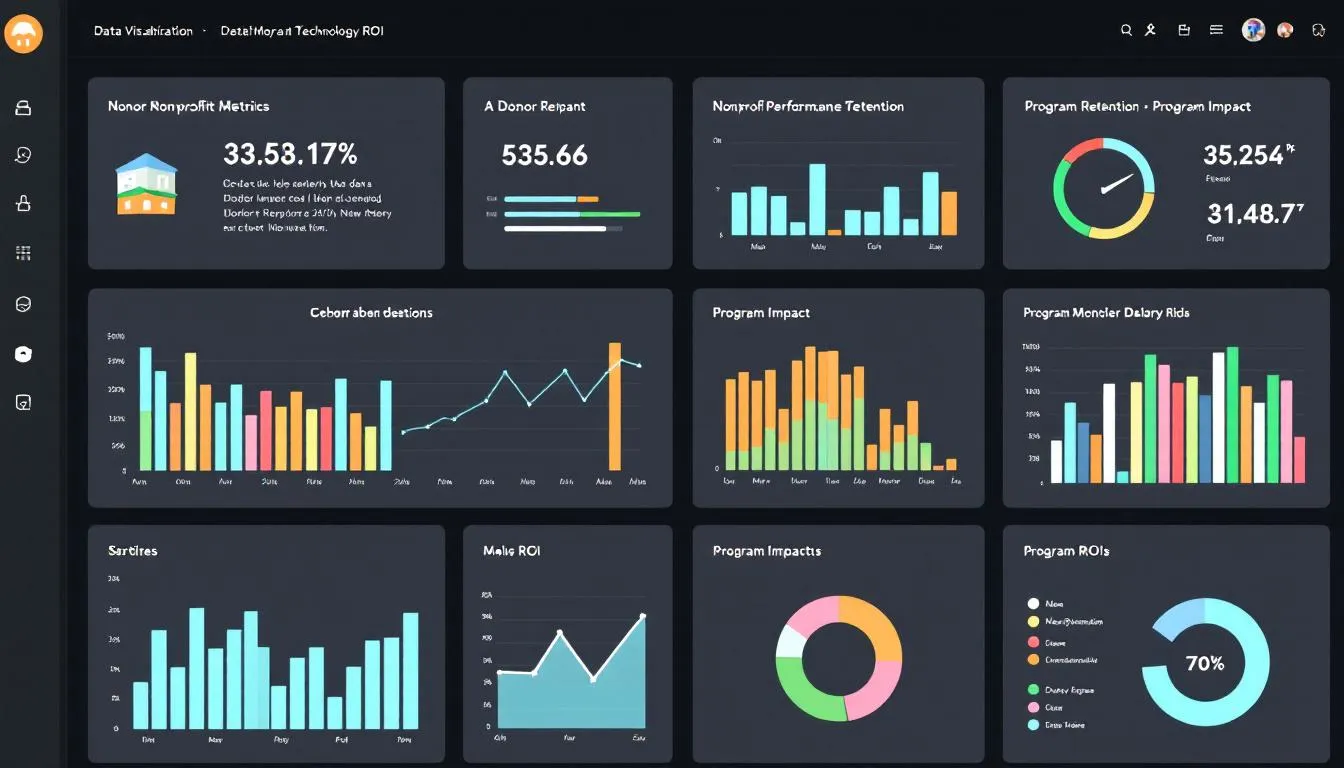
Boards and funders increasingly ask what technology spending returns. Start with a baseline before any new system goes live, then track the same measures over time.
Time savings from automation show up as staff hours returned to direct service. Donor metrics such as response rate, retention, and average gift show whether CRM and communication tools are working.
Compare total technology cost before and after modernization, including the hours old systems consumed. Program outcome data, made possible by better collection and reporting, is often the result funders care about most.
What Do Real-World Nonprofit Success Stories Show?
The nonprofits that get the most from technology follow a few consistent patterns. They start from a plan tied to the mission, pick a small set of connected platforms, and train people before and after launch.
They also use the vendor programs available to them, secure accounts before expanding access, and measure results against a baseline. Our guide to IT consulting and automation shows how those patterns apply to automation projects.
Summary
Nonprofit IT services span productivity, CRM, finance, cloud, data, and security, held together by support and a plan. Free and discounted vendor programs cover much of the software cost, while multi-factor authentication and staff training cover the biggest security risks. Pick a provider with nonprofit experience, roll out in phases, and measure the return against a baseline.
Frequently Asked Questions
How do cloud solutions benefit nonprofit organizations?
Cloud solutions improve data management, make collaboration easier, and replace aging hardware with subscriptions. That lets nonprofits spend more time on their mission and less on administrative tasks.
What role do CRM systems play in donor management for nonprofits?
CRM systems centralize donor data, improve analytics, and give staff one place to track every donor interaction. That leads to stronger relationships and better fundraising decisions.
Why is IT support crucial for nonprofits?
IT support keeps operations running, protects sensitive data, and gives staff the training and help they need. It lets nonprofits focus on their mission without the distraction of technical issues. Scottship Solutions provides fractional IT consulting and support built around the budgets and missions of nonprofit organizations.
How much does IT software cost for a nonprofit?
Many core tools are free or deeply discounted for eligible nonprofits. Microsoft 365 Business Basic is free for up to 300 users, Business Premium carries a nonprofit discount of about 75 percent, and Salesforce donates 10 licenses through its Power of Us Program. Scottship Solutions helps nonprofits match these programs to what they actually need so they avoid paying for tools that sit unused.
What is the most cost-effective cybersecurity step a nonprofit can take?
Multi-factor authentication across all systems and user accounts is the most cost effective security improvement most organizations can make. It sharply reduces the risk of unauthorized access even when a password is stolen.
What technology grants are available to nonprofits?
Google Ad Grants offer up to $10,000 per month in search advertising, and Microsoft provides $2,000 a year in Azure credits. TechSoup offers discounted hardware and software through partnerships with major vendors.
How can nonprofits improve their marketing strategies?
Nonprofits should use SEO and social media, develop a clear brand identity, and engage their community through events and storytelling. Together these raise visibility and impact.
What are the benefits of partnerships between nonprofits and tech companies?
Partnerships give nonprofits access to advanced technology and expertise they could not afford alone. They improve efficiency and extend mission impact.
Your Next Steps
Start with an inventory of the systems you run today and what each costs, then check the table above for programs you are not yet using. Secure every account with multi-factor authentication before adding anything new.
If you want a second set of eyes on your technology plan, talk with the Scottship team about matching the right tools and support to your budget and mission.
Sources
- Microsoft Nonprofits: technology grants and discounts
- Microsoft Learn: activate your Azure grant
- Salesforce for nonprofits
- Google for Nonprofits: Ad Grants

Written by
Will Facques
Senior IT Consultant at Scottship Solutions
Will works directly with nonprofit and small business clients on infrastructure, managed services, and technology implementations. He translates complex technical requirements into practical solutions that actually get done.
Certifications
PMP (Project Management Professional) • Lean Six Sigma Yellow Belt • CompTIA Network+
Industries Served
Human Services, Healthcare & Community Health, Education & Youth Development, Faith-Based, Child Advocacy, Arts & Culture