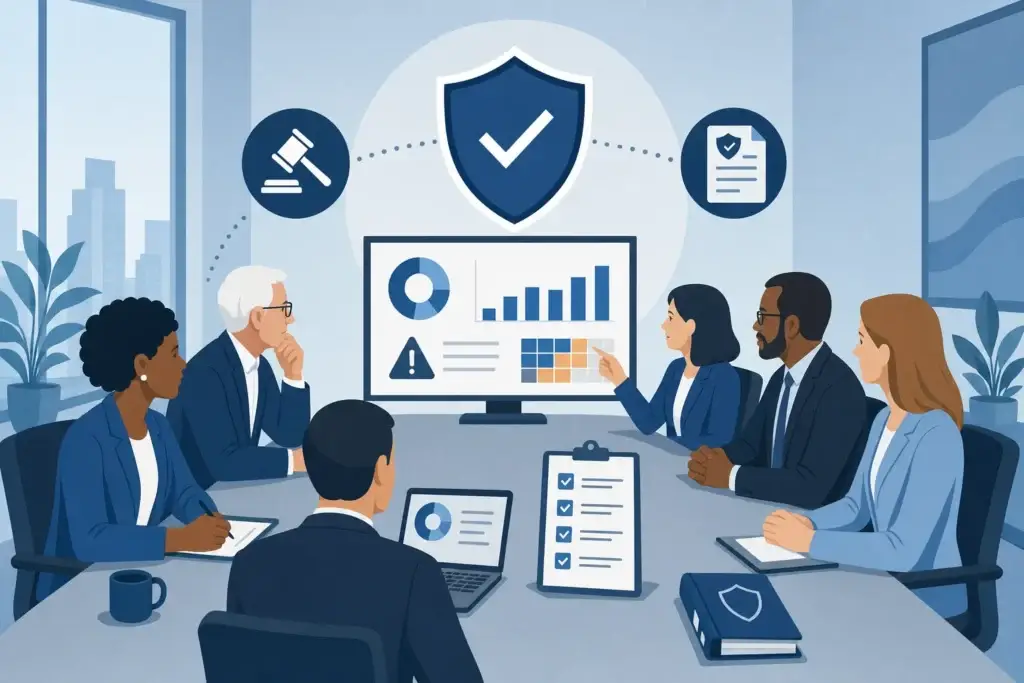
Nonprofit Cybersecurity Governance Is Now a Board Issue, Not an IT Issue
Nonprofit cybersecurity governance is a board duty, not an IT task. See what the board owns vs. IT, review cadence, fiduciary liability, and vCISO cost.

Nonprofit cybersecurity governance is a board duty, not an IT task. See what the board owns vs. IT, review cadence, fiduciary liability, and vCISO cost.

Phishing, ransomware, and data breaches are the most common threats nonprofits face. Here is how Scottship Solutions builds a defense on a nonprofit budget.
Nonprofits handling health data, payments, or donor records face real compliance requirements. Here is how HIPAA, PCI, and donor data frameworks apply.

A donor data breach costs more than money. Here is how Scottship Solutions layers encryption, access controls, and staff training to protect it.
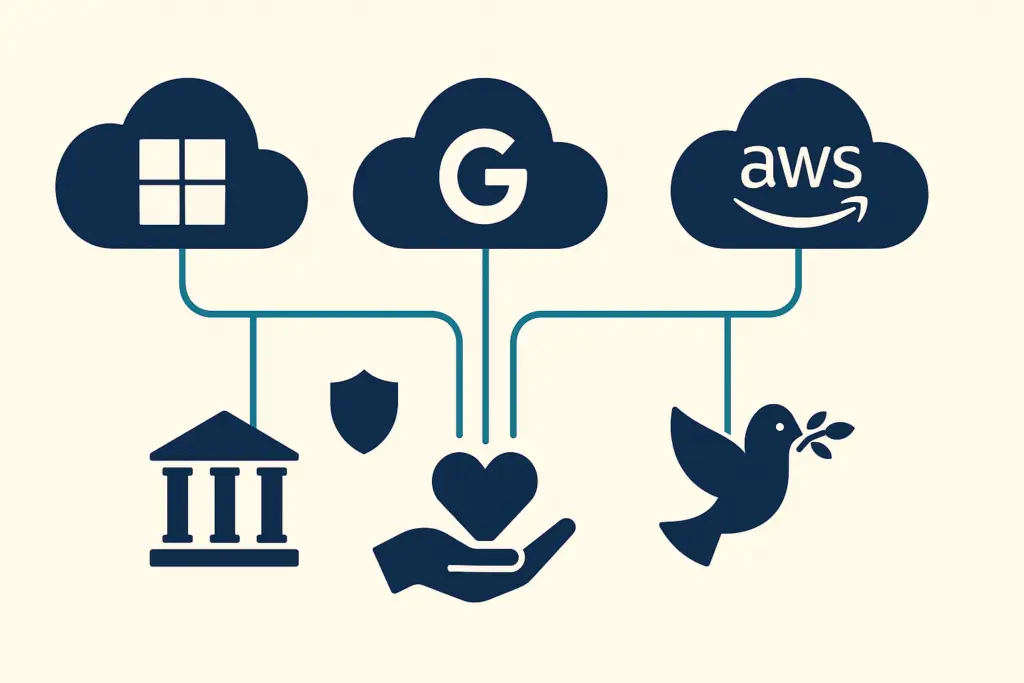
Most nonprofits qualify for free or discounted cloud tools they are not using. Here is what Scottship Solutions recommends and how to get started.
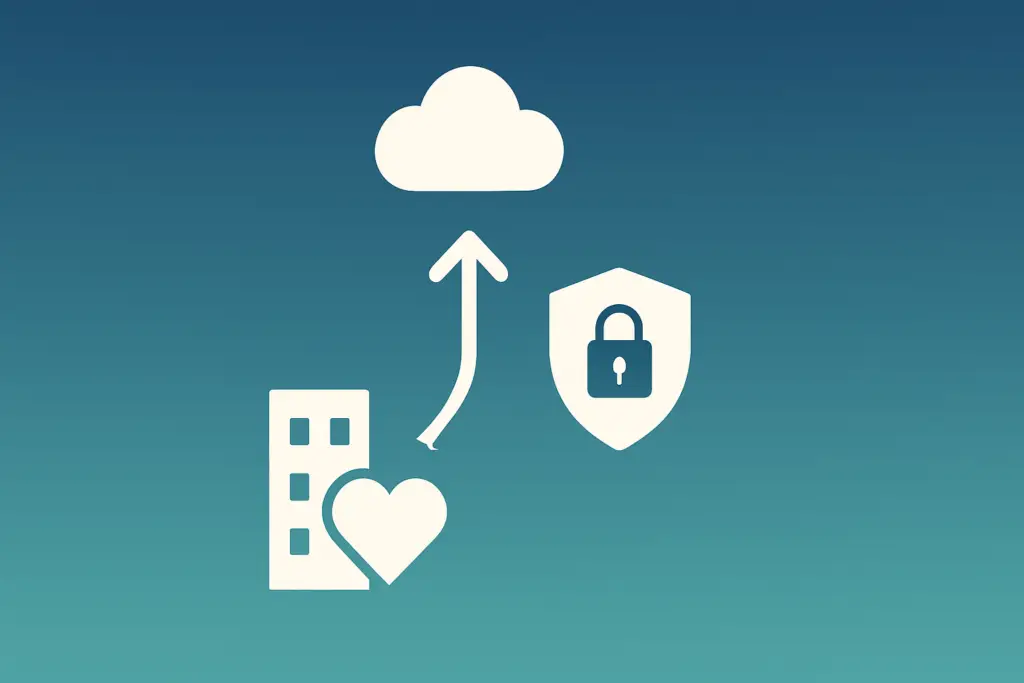
Moving to the cloud without a security plan creates more risk than it solves. Here is how Scottship Solutions runs a secure cloud migration for nonprofits.
Healthcare IT guide covering HIPAA compliance, 2026 Security Rule updates, and essential IT services for medical practices.
TL;DR: Since 2020, nonprofits have moved donor management, fundraising, program delivery, and backups to cloud platforms like Microsoft 365, Google Workspace, AWS, Azure, and Google Cloud, cutting IT costs and supporting remote teams. This guide explains the SaaS, PaaS, and IaaS service models, the security and compliance basics, and a

TL;DR: AWS is the world’s largest cloud computing platform, with more than 200 services (compute like EC2, storage like S3, and databases like RDS) across 32 regions and pay-as-you-go pricing that can cut infrastructure costs 20 to 50 percent versus on premises hardware. This guide covers AWS services, global infrastructure,

TL;DR: A cloud server is virtualized computing you rent over the internet instead of buying and housing physical hardware, which lets nonprofits trade large upfront costs for pay-as-you-go pricing that starts around $5 per month, scales in minutes, and delivers enterprise-grade security with 99.9% uptime. This guide from Scottship Solutions
Get Scottship’s research in your Google results